#Module 6: Batch Processing
#6.1 Introduction
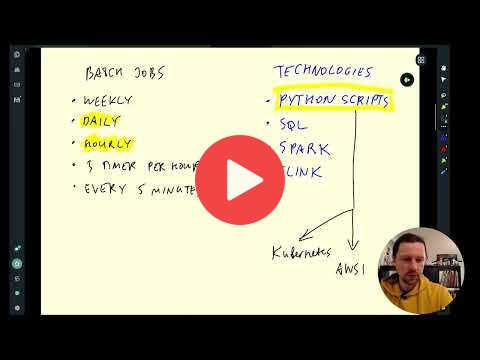
- :movie_camera: 6.1.1 Introduction to Batch Processing
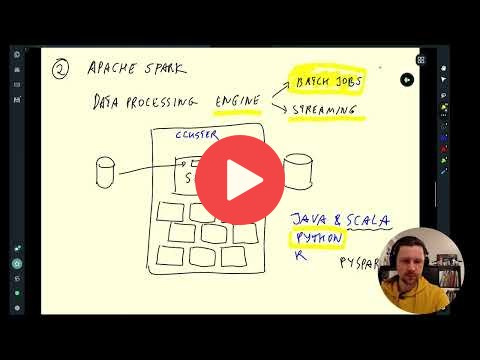
- :movie_camera: 6.1.2 Introduction to Spark
#6.2 Installation
Follow these instructions to install Spark:
:movie_camera: 6.2.1 (Optional) Installing Spark (Linux)
Alternatively, if the setups above don't work, you can run Spark in Google Colab.
[!NOTE]
It's advisable to invest some time in setting things up locally rather than immediately jumping into this solution
#6.3 Spark SQL and DataFrames
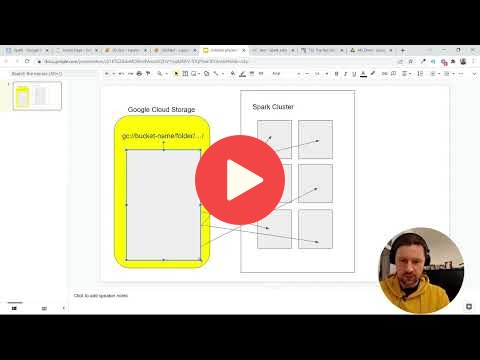
- :movie_camera: 6.3.1 First Look at Spark/PySpark
- :movie_camera: 6.3.2 Spark Dataframes
- :movie_camera: 6.3.3 (Optional) Preparing Yellow and Green Taxi Data
Script to prepare the Dataset download_data.sh
[!NOTE]
The other way to infer the schema (apart from pandas) for the csv files, is to set theinferSchemaoption totruewhile reading the files in Spark.
- :movie_camera: 6.3.4 SQL with Spark
#6.4 Spark Internals
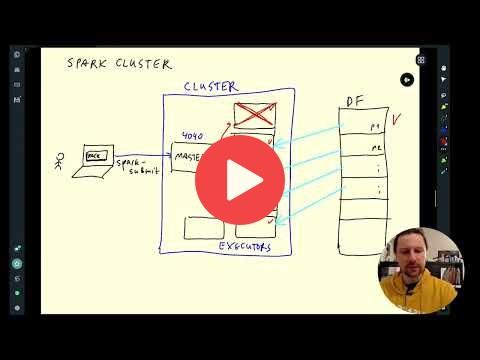
- :movie_camera: 6.4.1 Anatomy of a Spark Cluster
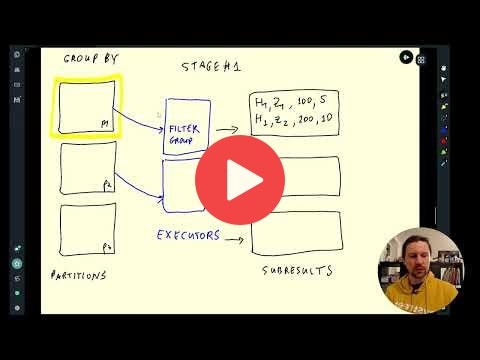
- :movie_camera: 6.4.2 GroupBy in Spark
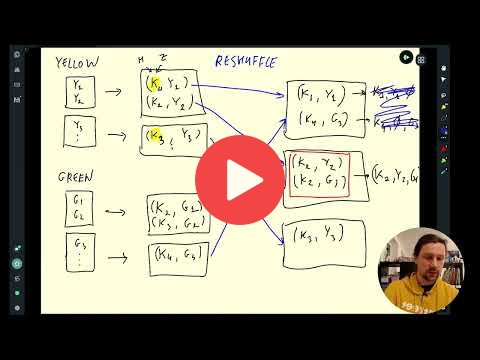
- :movie_camera: 6.4.3 Joins in Spark
#6.5 (Optional) Resilient Distributed Datasets
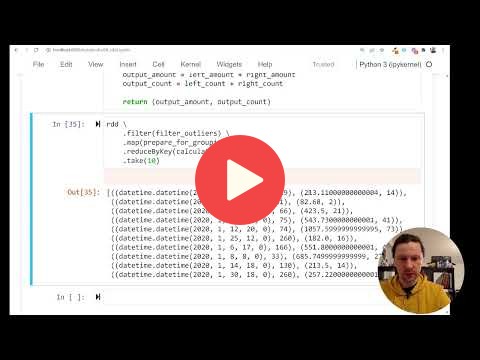
- :movie_camera: 6.5.1 Operations on Spark RDDs
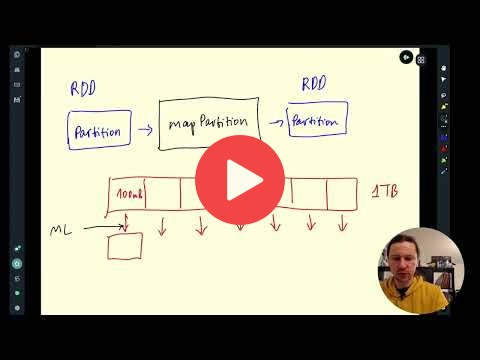
- :movie_camera: 6.5.2 Spark RDD mapPartition
#6.6 Running Spark in the Cloud
- :movie_camera: 6.6.1 Connecting to Google Cloud Storage
- :movie_camera: 6.6.2 Creating a Local Spark Cluster
- :movie_camera: 6.6.3 Setting up a Dataproc Cluster
- :movie_camera: 6.6.4 Connecting Spark to Big Query
#Homework
#Community notes
Did you take notes? You can share them here
- Notes by Alvaro Navas
- Sandy's DE Learning Blog
- Notes by Alain Boisvert
- Alternative : Using docker-compose to launch spark by rafik
- Marcos Torregrosa's blog (spanish)
- Notes by Victor Padilha
- Notes by Oscar Garcia
- Notes by HongWei
- 2024 videos transcript by Maria Fisher
- 2025 Notes by Manuel Guerra
- 2025 Notes by Gabi Fonseca
- 2025 Notes on Installing Spark on MacOS (with Anaconda + brew) by Gabi Fonseca
- 2025 Notes by Daniel Lachner
- 2026 Notes by Ajay Katte
- 2026 Video PySpark installation on Windows (no pip install) by khanh
- Add your notes here (above this line)